Appointments and plans
Set spoken reminders for school pick-ups, household appointments or a relative's visit. The assistant confirms what it has scheduled.
Try: "Remind us to leave for the clinic at 2 pm."AI home assistants for Singapore families
Work deadlines, school pick-ups and an ageing parent's appointments can fill the same day. At Vista Family Tech, we set up a voice-controlled smart home to give your household clear reminders and simple ways to act on them.
Speak a short command. Hear a plain confirmation. The assistant can be configured for bilingual-capable interactions, everyday routines and the devices already in your HDB home.
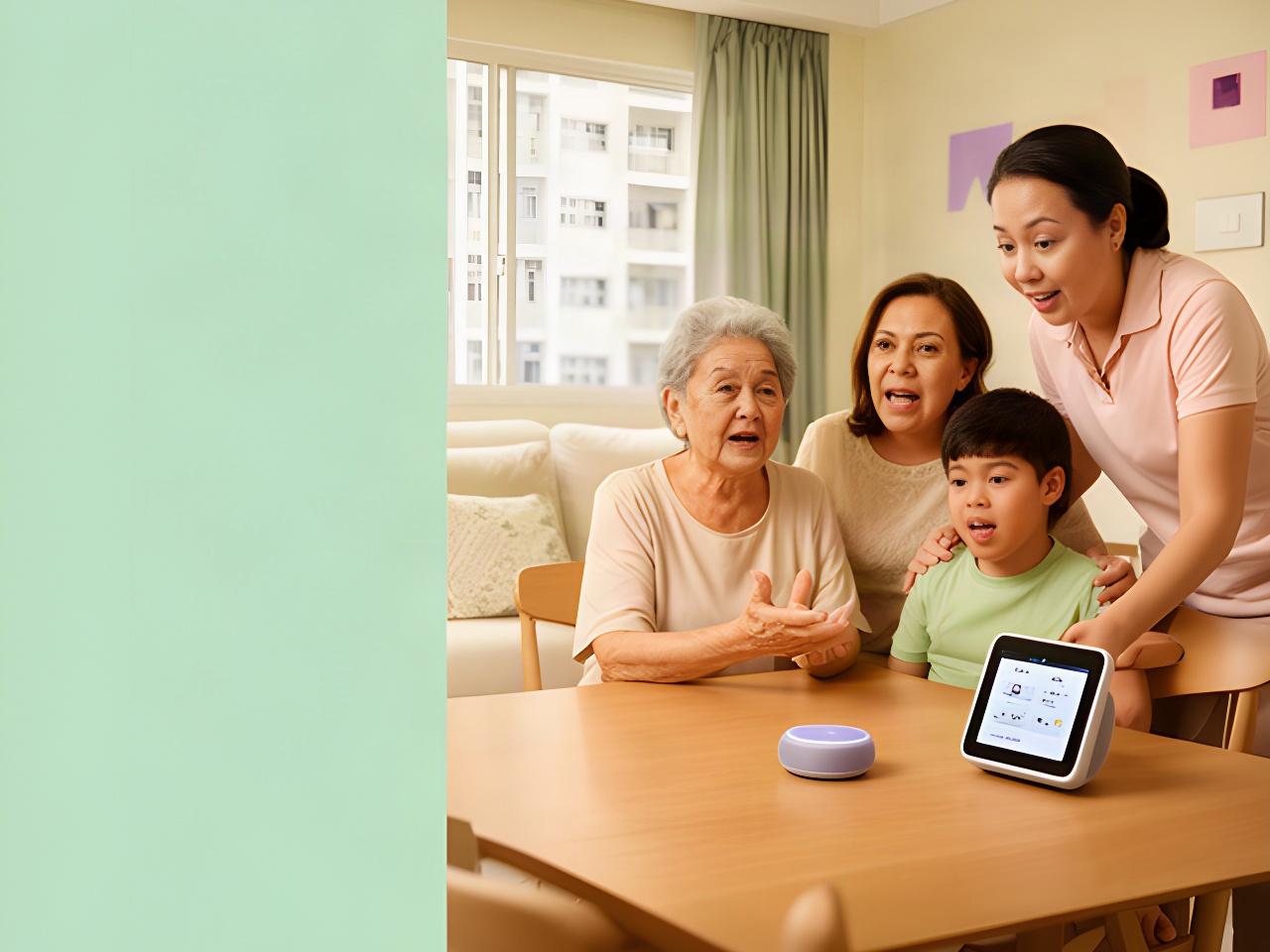
We can tailor the demonstration to include an older family member.
A typical weekday at home
Ready for a command"Remind Mum about her appointment."Hear a spoken confirmation of the reminder time.
"Set a water reminder for Dad."Choose a schedule that suits the household.
"Turn on the living room lights."Keep the familiar wall switch as a fallback.
Everyday support
Build routines around the details your family actually needs to remember. You choose the timing and who hears each prompt.
Set spoken reminders for school pick-ups, household appointments or a relative's visit. The assistant confirms what it has scheduled.
Try: "Remind us to leave for the clinic at 2 pm."Give different family members their own meal or water prompts, with times agreed during setup.
Try: "Remind Dad to have some water after lunch."Set reminders using the schedule supplied by your family. This is a prompt tool, not medical advice or a replacement for clinical care.
Try: "Set Mum's evening medication reminder for 8 pm."Use simple voice commands for supported connected devices. We check device compatibility before configuring a routine.
Try: "Switch on the kitchen light."Comfort comes first
A useful assistant should make sense to someone who has never managed a smart-home app. We teach a few consistent phrases first, then practise them at the pace that suits your household.
Made around your day
Choose a routine to see how spoken prompts and supported devices can work together. Schedules are configured with your family.
Set a morning prompt that helps everyone get moving without checking several apps.
Use a prompt time provided by the family. The assistant does not decide doses or give medical guidance.
Link a routine to compatible lighting and a reminder, while retaining the switches everyone knows.
Schedules can be changed when a family member is travelling, unwell or working late. For broader ageing-in-place support, see elderly care technology.
One home, connected routines
The assistant can coordinate with compatible sensors, locks, lighting and home robots, so a routine does not have to start in a different app each time.
Compatibility depends on the device model, network and setup. We check those details before recommending a configuration. Manual control remains available for every connected device.
Set selected lights to respond to a supported command or routine.
Check model support and permissions before adding connected security devices.
Spoken commands link supported devices to household routines.
Where compatible, connect a household task to a routine.
Check each appliance's controls and limits before connecting it.
Clear settings, family control
Agree who can set reminders and receive notifications before routines go live. Family members can change or pause them later.
See it before you decide
Book a demonstration focused on voice commands, reminders and supported appliance controls. Bring an older family member, or tell us which daily routine you want to practise first.
Appointments are arranged with our team at Pasir Panjang Drive 1, Singapore 118797. We will confirm the demonstration details with you.